
B104 Table Settings
Explanation:
The "Table settings" function was developed to make the columns in many "NOS tables" clearer and easier to read.
Default is A Setting.
Please always check if the setting "A Setting" (default) is activated when you open a new mask.
Small but nice
Whenever you first open a table (e.g. search results), set the "table settings".
1. You can optimize column width.
2. Columns can be sorted in ascending or descending order by clicking on the desired column heading (e.g.:to).
→ please study the screenshot
If you miss a table setting, send the request to training.admin@oska.com
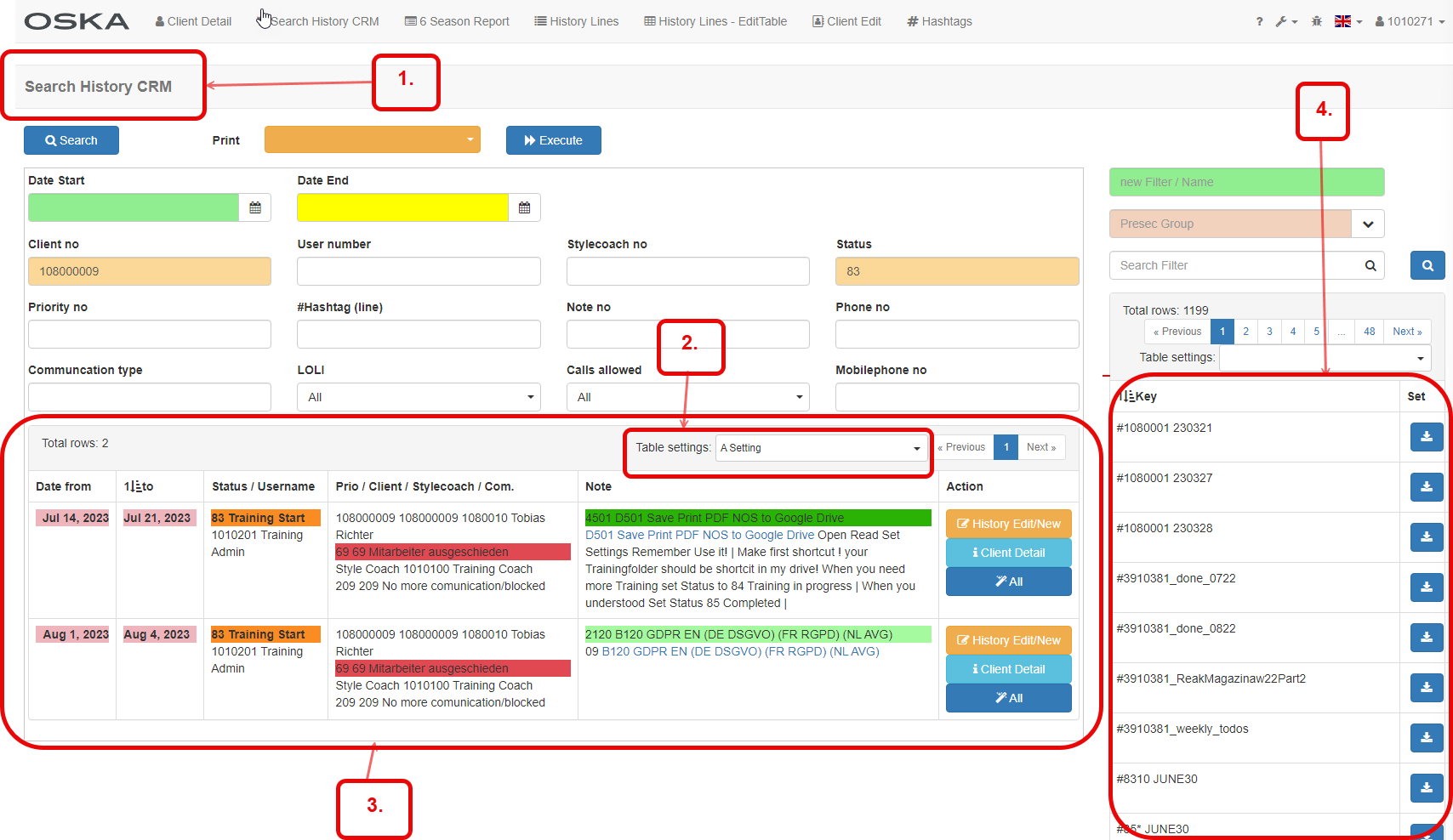
1. Go to CRM Light > Search History CRM
2. Small but nice
3. This is a table (here you can search for results, adopt the column width, sorting)
4. Table PreSec
Optimise column width by selecting a table setting (A / B or C)
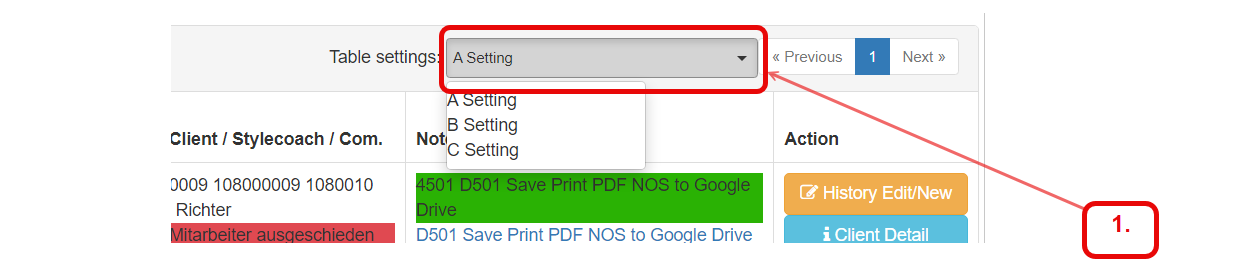
1. Pull down
Sort the column in ascending or descending order by clicking on the column heading.
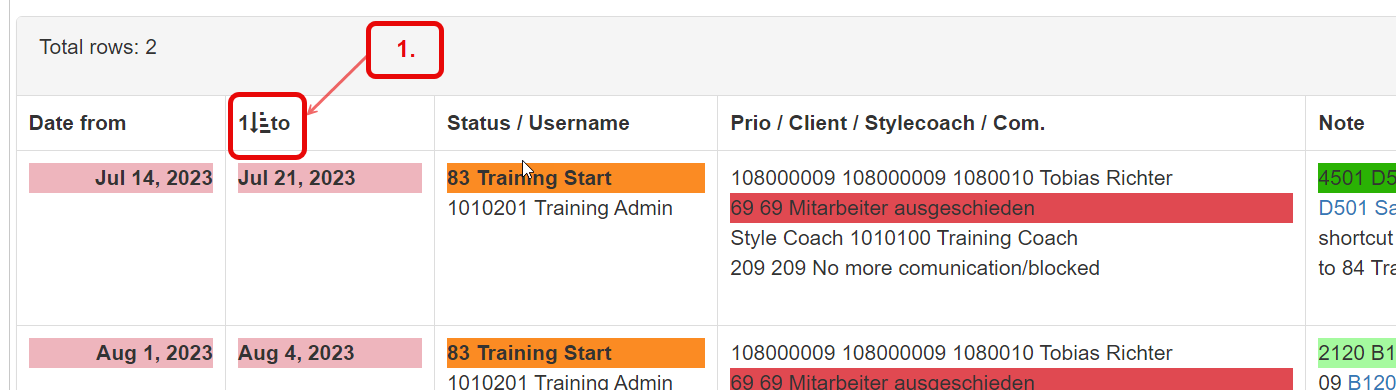
1. Click on the sort symbol to sort the results in descending/ascending order
more will come..if needed